 Pakistan
Router Login in Pakistan: Find Your Device's Address
Router login in Pakistan depends on one simple question: what kind of box is sitting next to your TV? A PTCL broadband modem, a fiber ONT from StormFiber, Nayatel or PTCL Flash Fiber, and a Zong or Jazz 4G WiFi device all open their settings page at different addresses, and each one asks for different login details. Pick your internet provider from the list on this page for a step-by-step guide, or read on to work out which address your device uses.
Most people land here to change the WiFi password, so every guide covers that first, then shows who is connected, how to reset safely and when to call your provider.
Internet providers

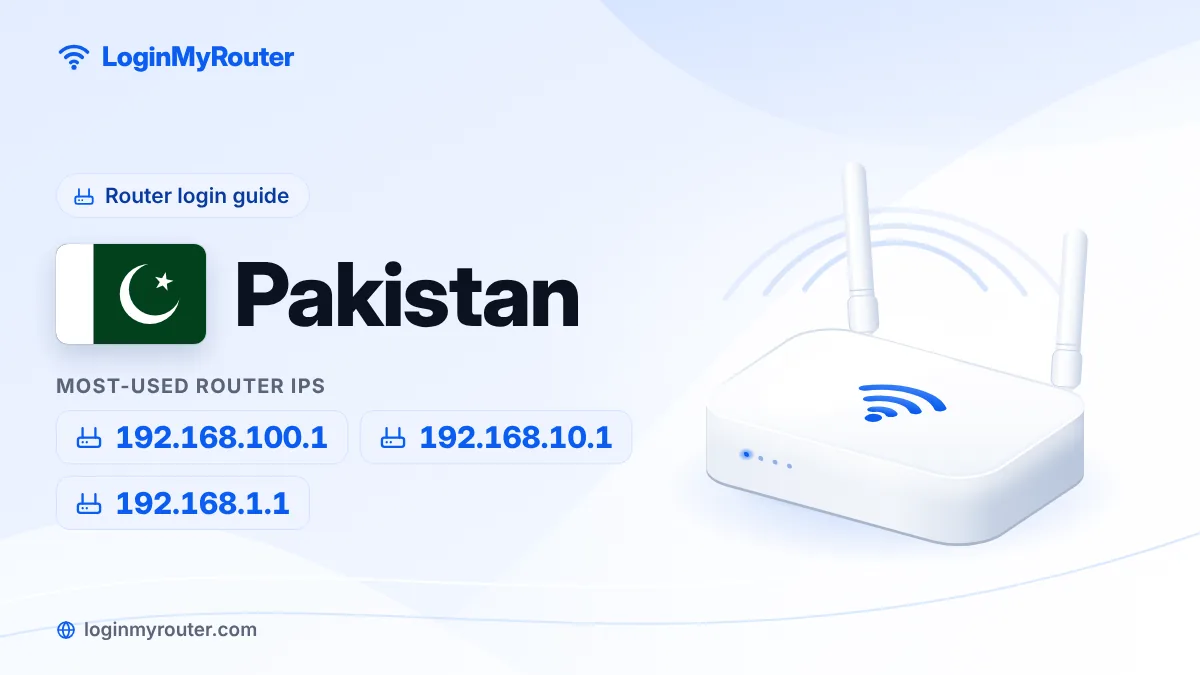
Most-used router IPs
- 192.168.100.1 Huawei fiber ONTs (Nayatel, many PTCL Flash Fiber and other fiber connections)
- 192.168.10.1 Newer PTCL broadband modems
- 192.168.1.1 Older PTCL DSL modems, StormFiber and many ZTE fiber units
- 192.168.0.1 Jazz 4G devices and TP-Link / Tenda routers
- 192.168.18.1 Newer Huawei fiber ONTs
- 192.168.8.1 Zong 4G devices (MBB)
Which router IP addresses are used in Pakistan?
Pakistani homes mostly have one of three kinds of internet box, and each family tends to use its own address.
- Fiber ONT (fiber to the home). If a thin fiber cable comes into the house, your box is an ONT (optical network terminal). Huawei units commonly open at
192.168.100.1, newer Huawei models often use192.168.18.1, and many ZTE units use192.168.1.1. This is why 192.168.100.1 is searched more than any other router address in Pakistan. - PTCL broadband (DSL) modem. Connected to your landline cable. Newer PTCL modems answer at 192.168.10.1; older ones at
192.168.1.1. - 4G WiFi device. The battery-powered pocket device or plug-in home unit with a SIM inside. Zong devices use 192.168.8.1, while Jazz devices are reported at
192.168.0.1orjazz.wifi.
Bought your own TP-Link or Tenda router and plugged it into the ISP's box? Then the WiFi you connect to comes from that router, and its page is usually at 192.168.0.1.
How to tell which device you have
Turn the box over and read the sticker. It normally shows the brand (PTCL, Huawei, ZTE, FiberHome, Zong, Jazz), the login address, the username and password for the settings page, and the default WiFi name and key. On 4G pocket devices the sticker is often under the back cover, next to the battery.
You can also ask your phone. On Android, open the connected WiFi network's details and look for Gateway or Router. On an iPhone, go to Settings > Wi-Fi, tap the (i) next to your network and read Router. On Windows, run ipconfig and note the Default Gateway. Whatever number appears there is the address to type.
Router login Pakistan: picking the right guide
Once you know the provider, open its card from the list on this page. Each guide gives the default address, who sets the password, and the menu names you will actually see. If you are unsure, the Router Finder asks for your country and provider and shows the right address with a direct login button.
Fiber users sometimes have two boxes: the ONT and a separate WiFi router. Change the password on whichever box broadcasts the network you join.
Nothing opens when you type the address?
- Make sure your phone is connected to the home WiFi and switch off mobile data for a minute.
- Type the address in the browser's address bar, starting with
http://, not in the Google search box. - After load-shedding or a power cut, give the modem or ONT two to three minutes to start fully.
- Typed it wrong? Entries like
192.168.l00.1or192.168.10.l(letter L instead of 1) will never load. Paste what you typed into our IP Typo Fixer and it will correct it.
Keep your WiFi to yourself
Use WPA2 or WPA3 and a password of at least 10 characters that isn't your phone or CNIC number. Change the settings-page password from the label default, and check the connected-devices list once a month.
Frequently asked questions
What is the most common router login IP in Pakistan?
It depends on your connection. Fiber ONTs are most often at 192.168.100.1, newer PTCL modems use 192.168.10.1, older PTCL modems and many ZTE units use 192.168.1.1, and Zong 4G devices use 192.168.8.1. The address printed on your device's sticker is always the final answer.
What is the default username and password for PTCL?
On many PTCL DSL modems both are admin. Newer units may carry their own details on the sticker at the back, so check there if admin is rejected.
How do I change my WiFi password in Pakistan from a mobile phone?
Connect the phone to your WiFi, open Chrome, type your device's address (for example http://192.168.10.1 for PTCL or http://192.168.8.1 for Zong), log in, then open the Wireless or WLAN settings and save a new password.
Why does 192.168.100.1 not open for me?
Your device probably uses a different address. PTCL DSL modems use 192.168.10.1 or 192.168.1.1, and newer Huawei ONTs often use 192.168.18.1. If you have your own router behind the ONT, connect directly to the ONT to reach its page.
Will resetting my modem stop the internet?
It can. A factory reset wipes everything, including the internet settings some providers configure (for PTCL DSL, the PPPoE details). Call your provider first if you are not sure you can set it up again.
Can my provider help if I am locked out?
Yes. Use the official helpline, app or website listed in your provider's guide, and never share login details with callers who contact you first.